
Adapted and substantially expanded from Northlane Creative’s Advice Column #1, originally emailed August 23, 2026. This article is an educational guide, not a client-results case study.
A customer asks for a quote. Someone on your team writes down their phone number, another person follows up by email, and a third person never hears the outcome. Meanwhile, you are paying to send more visitors to your website. The problem may not be a lack of advertising: it may be the absence of a connected way to understand and serve the people already showing interest.
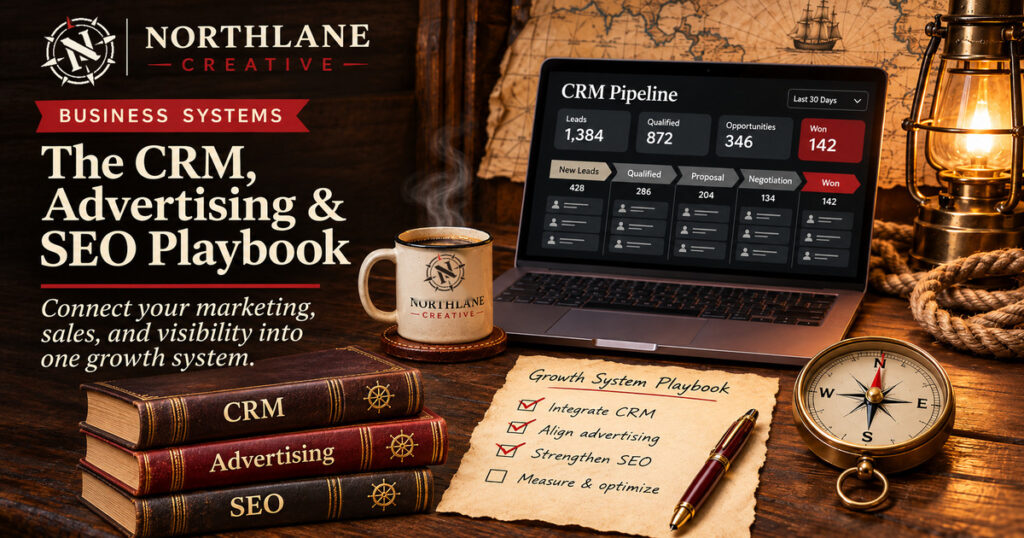
The central idea: customer records, search visibility, advertising, and website conversion should form one understandable journey. Start by recording the relationship, not by buying another tool.
Start with a CRM that records the real relationship
A customer relationship management system is a place to keep the context of business relationships: who contacted you, what they needed, what was discussed, who owns the next step, and whether the opportunity moved forward. It is more useful than a directory of names. It also does not have to be expensive or complicated.
For a small team, the first win is getting information out of isolated inboxes, business cards, text threads, and personal spreadsheets. Set one common minimum record: contact name, company where relevant, source, service interest, last interaction, owner, and next action. Do not collect information your team has no legitimate need to use.
Build a clean starting list
Collect active customers, open quotes, recent inquiries, and legitimate business contacts. Deduplicate before importing. Mark contact preferences and distinguish existing customer relationships from people who have not agreed to receive marketing messages.
Define the next action
Every active record should answer a simple question: who does what next, and by when? Useful statuses describe actions or outcomes, not vague colors or labels that mean different things to different employees.
Review the process each week
Check opportunities without a next step, unanswered new requests, and overdue callbacks. If no one trusts the records, improve the habits and ownership before adding automation.
Use customer knowledge to improve marketing
A CRM can help you identify patterns. Which services generate repeat requests? Which customers come back seasonally? Which locations are you actually serving? What questions appear repeatedly before a purchase? These are useful editorial and marketing inputs even if you never upload an audience list to an advertising platform.

Google Ads offers Customer Match for eligible accounts, but access and usage are subject to policy and account requirements. It is not permission to upload every email address you have ever encountered. Use first-party information lawfully collected, provide appropriate notices and consent where required, and review Google’s Customer Match policy before considering that option.
Give visitors a page that answers their question
Search and advertising should lead to content that matches the visitor’s intent. A person searching for local service availability needs a clear service-area answer. A customer comparing options needs enough specifics to choose. Someone ready to book needs a visible, working form or phone number. A beautifully branded page that obscures these basics is still underperforming.
Search engine optimization also starts with genuine usefulness: descriptive page titles, accessible headings, straightforward navigation, and pages that explain services in the words your customers use. Google explicitly advises creating organized, original content for people, not gaming a ranking formula.

Measure the actions that matter
If your website collects leads, define a successful inquiry and verify it reaches the correct person. If it sells products, track product views, add-to-cart events, checkout starts, and purchases. GA4 recommends structured events such as generate_lead, begin_checkout, and purchase, but many require deliberate setup and testing.

| Business question | Useful measurement | What to check next |
|---|---|---|
| Are the right visitors arriving? | Service-page engagement, relevant search terms, qualified inquiries | Does the page clearly match the need? |
| Can visitors act? | Form submissions, calls, bookings, checkout starts | Does the interaction work on mobile? |
| Are leads being followed up? | Contact ownership, response time, next action | Is anyone accountable for the handoff? |
| Is it resulting in business? | Qualified leads, completed orders, closed sales | What is the acquisition cost after expenses? |
A simple first-week implementation plan
- Select a CRM you will actually use and import a clean, appropriately obtained contact list.
- Create one required next-step field and assign owners for new inquiries.
- Audit the top two pages that receive calls, bookings, or quotes.
- Verify at least one useful analytics event with a test submission.
- Review one real customer journey end-to-end and fix the largest point of friction.
Editor’s note: Do not treat contact collection as blanket consent for email marketing or ad matching. Check the rules and platforms relevant to your business.
Resources worth exploring
These references provide implementation details and additional reading; they are offered for research rather than as paid endorsements.
- HubSpot CRM — explore contact records and the core CRM workflow.
- Google Search Central SEO Starter Guide — a practical introduction to useful search content.
- Google Analytics 4 recommended events — specific event names and what to track.
- Google Ads Customer Match policy — eligibility, privacy, and data-use requirements.
Your practical next steps
- Choose the customer question you most want the site to answer.
- Trace what happens between finding your business and receiving a real response.
- Fix the missing handoff before you increase ad spend.