
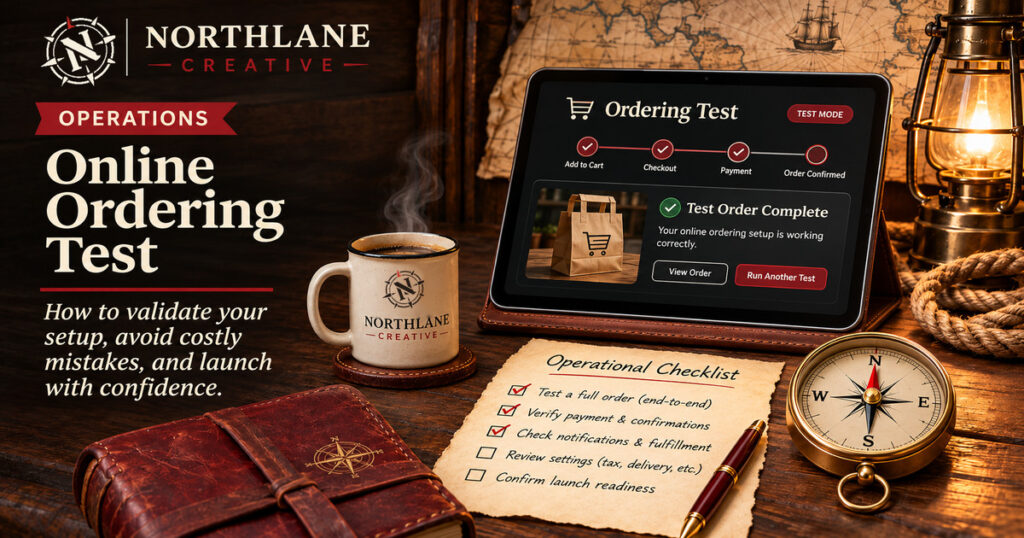
A beautiful ordering interface is only one part of a reliable food-ordering workflow. The full chain has to work: menu, checkout, payment, store operations, and communication.
1. Audit the source menu
Start with the system staff use to change prices and availability, not a copied spreadsheet on the website. Check names, modifiers, portion sizes, tax behavior and sold-out items. A quick test is to change the availability of one low-risk item in the source system and verify the online menu updates as expected. If it does not, document which system is authoritative before accepting orders.
Compare item names, prices, photographs, modifiers, allergens, and availability with the point-of-sale system. Test unavailable items and substitutions. Choose one system as the source of truth and verify updates reach the storefront.
2. Walk through item customization
Try ordinary, complicated and deliberately invalid combinations. Add an item with no options, then one with required choices, extra toppings, a substitution and a special instruction. Verify that the cart and final receipt describe exactly what the customer selected. Check quantity changes after customization; the order should not silently reset or drop modifiers.
Start with a plain item and one complex order. Add and remove modifiers, change quantities, switch sizes, and return to edit the cart. Check the final ticket shows the selections you made.
3. Make pickup and delivery visibly different
For pickup, confirm that the restaurant and customer see the correct location and estimated readiness instructions. For delivery, enter a valid address, an out-of-zone address and an incomplete address. Confirm that taxes, delivery charges, tips and estimated arrival information make sense and are presented before payment. When a driver service is unavailable, the page should give a useful alternative rather than a dead-end button.
Customers should know what fulfillment mode they selected. Pickup needs clear store details and available timing. Delivery requires an address, eligible service area, any fees, estimated timing, and a reliable way to dispatch the request.
4. Test payment and recovery paths
Use the payment provider’s supported test environment where available, and a controlled real transaction with an approved refund plan when live verification is necessary. Test a successful charge, an abandoned checkout and a failed or declined attempt. A customer should never be charged twice because they refreshed the page, and a payment success screen must correspond to a real accepted order.
Using a supervised test method, check successful payment, a declined transaction, refresh/back navigation, duplicate submissions, refunds, and accidental retries. Don’t assume a payment success screen means the order reached the kitchen.
5. Verify the store receives the order
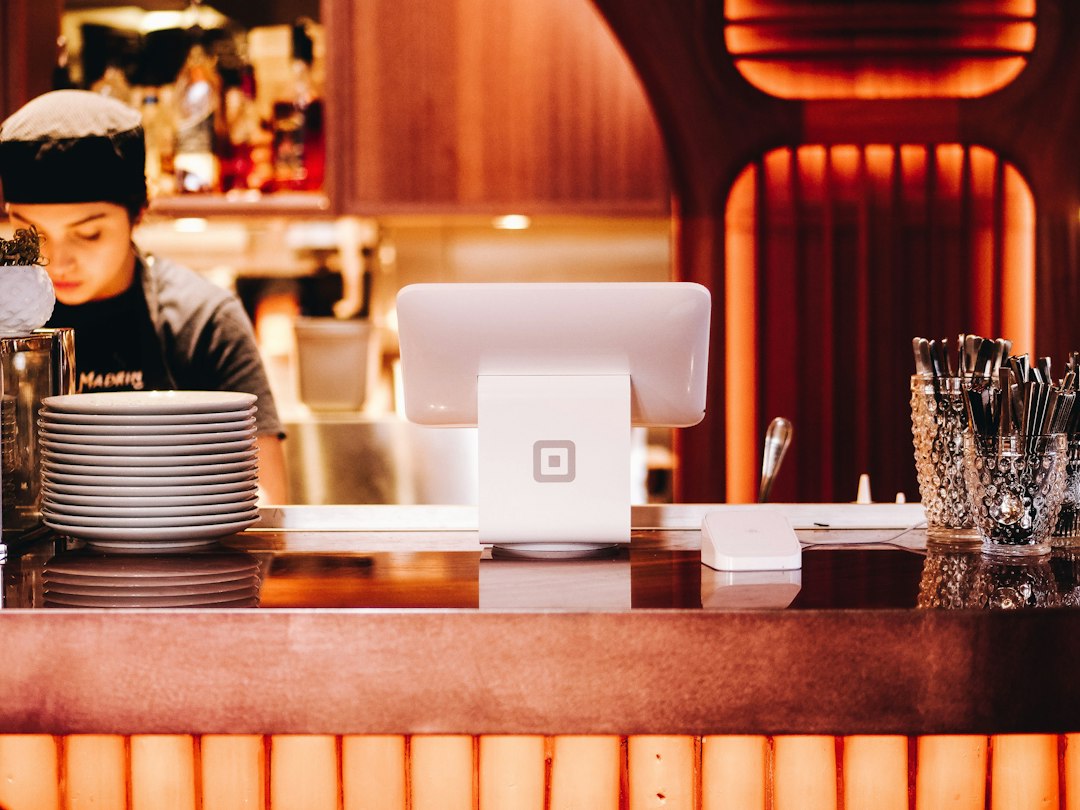
Read the ticket at the kitchen or register—not just the customer confirmation. Compare item names, quantities, modifiers, special instructions, fulfillment type, fees and total. Walk through how staff acknowledge, prepare, complete and, when applicable, hand off an order to a courier. Define who investigates a missing ticket and how the customer is contacted if something goes wrong.
Confirm the kitchen printer or store dashboard receives every relevant detail, including notes, modifiers, and timing. Make sure customer and staff notifications arrive at the intended addresses.
6. Run mobile and tablet checks
Test with touch, slow connections, long item names, small screens, and large text. Inspect whether cart controls overlap content or confirmation steps are hard to spot.
7. Create a controlled go-live checklist
Before announcing launch, confirm the payment account, webhook or point-of-sale handoff, staff notifications, customer confirmation, hours, pickup instructions, delivery areas and refund policy. Keep one person assigned to monitor the first orders. If the kitchen starts missing tickets or charges do not reconcile, know exactly how to pause new orders and communicate with customers.
Decide who confirms success, who monitors the first real orders, and what the fallback process is if a payment, delivery, or printing integration fails. Record the tests and results rather than relying on memory.
The rule: An order isn’t complete until the customer, the payment provider, and the fulfillment team all agree on what happened.